A quick look
The interface, captured while it works.
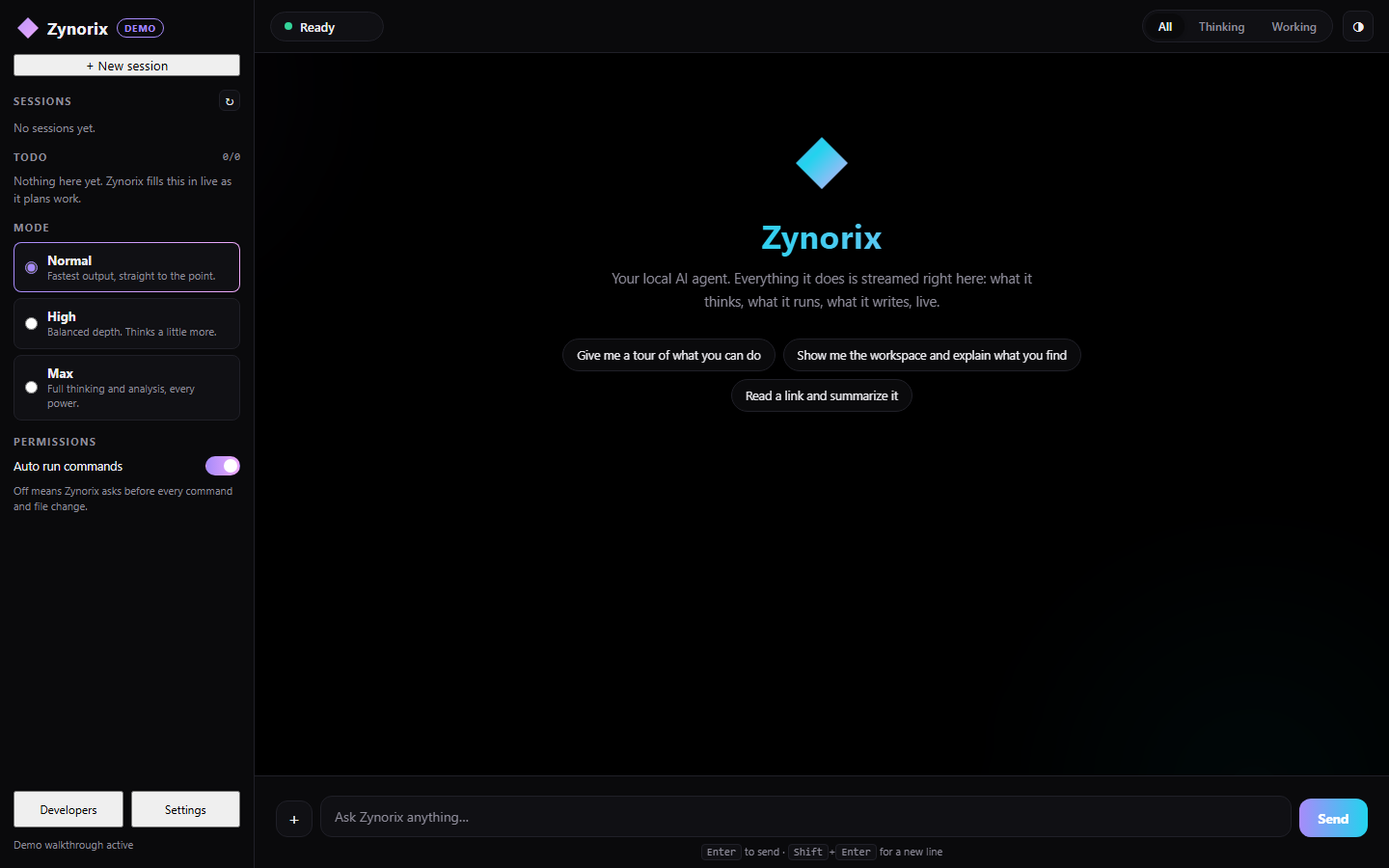
Welcome screen, Midnight theme
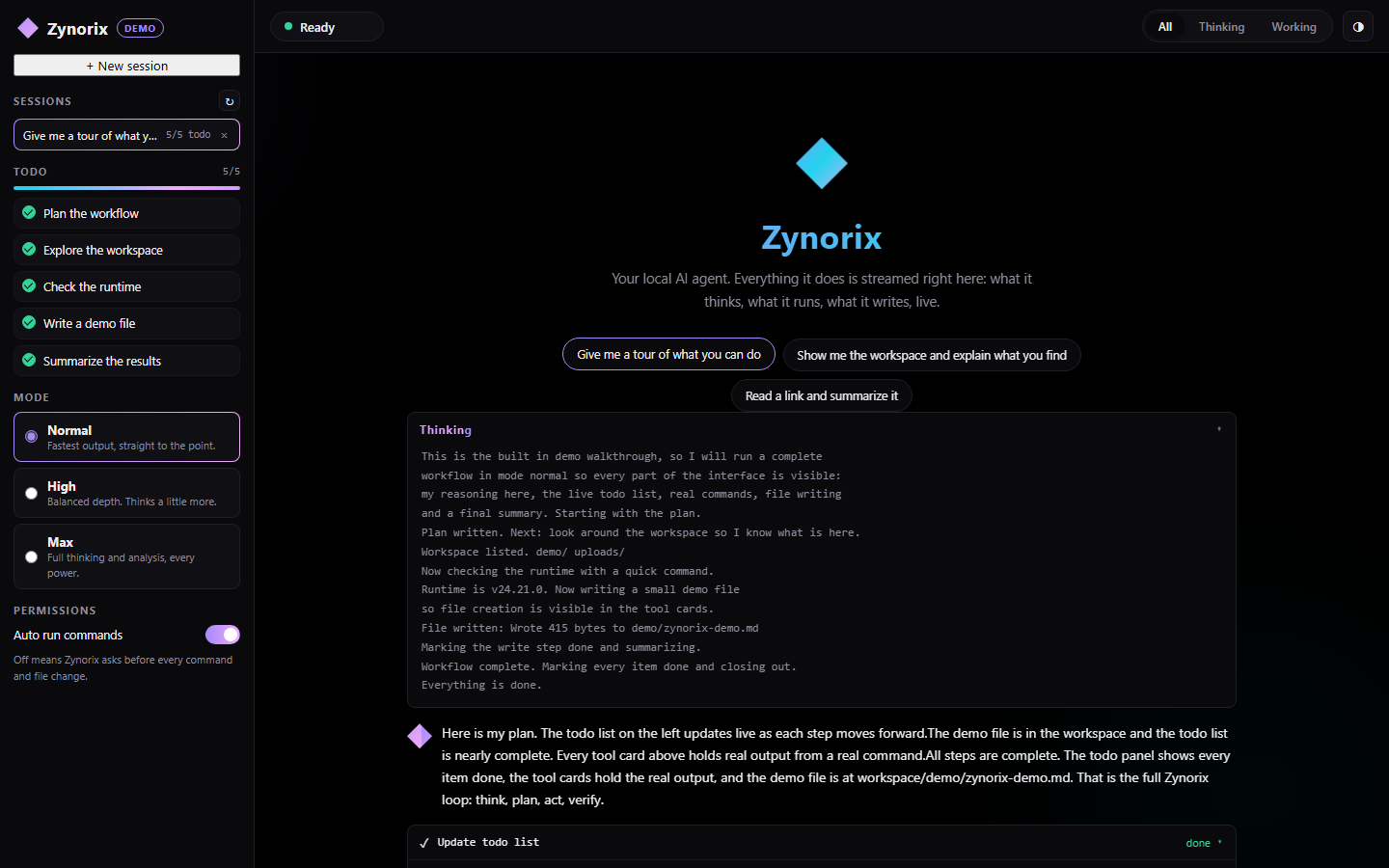
Live run: thinking, tools and todo
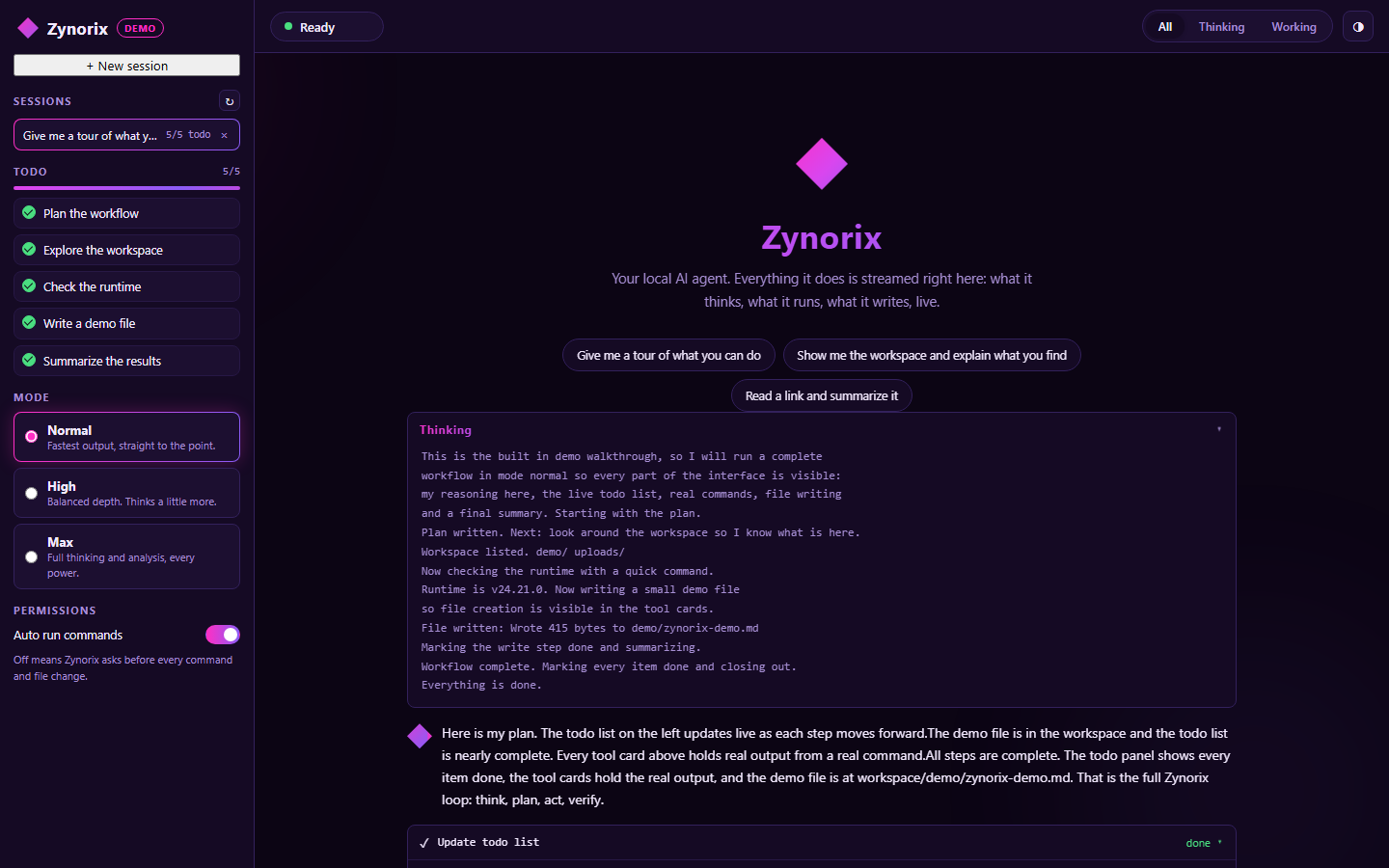
Purple Night theme
A local AI agent with a live interface. Watch it think, plan and run in real time. Nothing to configure, one file to install.
Windows x64 and Linux. Runs locally, uses your internet only to reach the model.
Pick your system. The download starts on its own, and the setup guide opens right below.
Zynorix streams its whole workflow to you. No black box, no waiting in silence.
Thinking, working and loading states animate in gradient while it runs. Every command and its output streams in as it happens.
It plans multi step work as a todo list and updates it live. Watch items flip from pending to in progress to done.
Switch between All, Thinking and Working to see exactly what the AI is doing at any moment.
Midnight, Daylight, Purple Night, Lavender, Mint and Sakura. One click to switch.
Attach files, documents and images. Zynorix reads them from the workspace and answers with that context.
Paste any link and it fetches the page, strips the markup and reads the content back to you.
Auto run commands, or turn the toggle off and approve every command and file change yourself.
The local proxy route ships preconfigured. Install it, open it, and it works. No keys, no accounts.
Pick how hard Zynorix thinks before you send the message.
The fastest mode. Direct answers, quick tool use, minimum ceremony. For everyday questions and quick edits.
A step up. More thinking before acting, deeper analysis, still fast enough for real work.
Everything on. Full thinking budget, thorough verification, every power. For hard problems where speed does not matter.
Three steps. The installer does the rest on its own.
One file for Windows or one command for Linux. The installer checks for everything it needs and installs whatever is missing.
The software runs on your machine and the interface opens in your browser. The local proxy starts automatically the first time.
Chat, upload files, paste links, switch modes and themes. Watch everything it does, live.
The interface, captured while it works.
Welcome screen, Midnight theme
Live run: thinking, tools and todo
Purple Night theme